

SONG SURGEON · ONLINE PITCH CHANGER
Audio pitch changing raises or lowers the notes in a recording. Use Song Surgeon’s online pitch changer to move a song into a key that fits your voice or instrument, without changing its playback speed. Select your audio, adjust the pitch, preview, and download.
Five free file processes with a new account. Paid options available afterward.
Prefer desktop software? Explore pitch changing in Song Surgeon 6.
Raise or lower the keyAdjust by semitones or cents
Use your audio filesMP3, WAV, M4A, WMA & FLAC
Preview & downloadHear the change before processing
ONLINE WALKTHROUGH
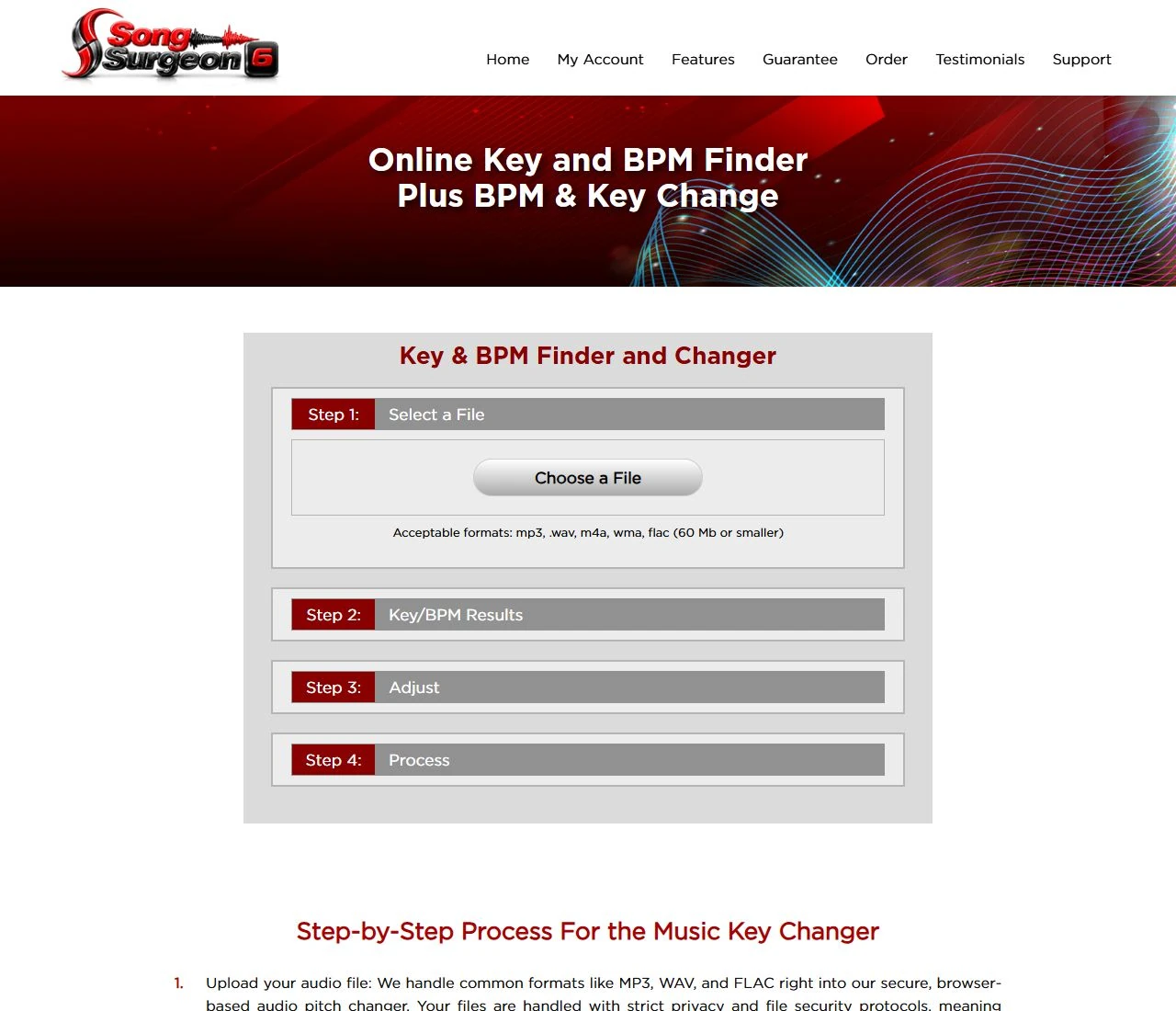
Open the online key and pitch changer and choose a recording. Sign in or create an account when prompted to view the detected key and BPM and continue.
Use Pitch or Key Change to move the song higher or lower. A positive value raises the pitch; a negative value lowers it. Start with a small shift, such as −1 or +2 semitones. Leave Tempo Change at 100% to keep the original speed.
Select Preview Changes and listen before processing. Compare the vocal range and the instruments with the original. Adjust the pitch again if the song is still too high or too low.
Choose an available output format, select Process my Changes, and download your adjusted file. Keep the original so you can return to it for another version.
THE BASICS
Pitch describes how high or low a sound is. Shifting every note by the same interval transposes the recording into a different key. Tempo describes how fast the music moves, usually measured in beats per minute (BPM).
Simply speeding up playback raises pitch too. An audio pitch changer separates these controls, letting you move the notes while keeping the song’s pace and duration the same.
| Control | What changes | When to use it |
|---|---|---|
| Pitch / key | Notes move higher or lower | Match a singer’s range or transpose a backing track |
| Tempo | Playback becomes faster or slower | Learn a difficult passage at a comfortable speed |
| Fine pitch adjustment | Pitch changes by fractions of a semitone | Match a recording that is slightly sharp or flat |
One semitone is a half-step; 100 cents equal one semitone. A uniform pitch shift preserves the intervals between notes—it does not turn a major song into a minor one.
MADE FOR MUSIC PRACTICE
Lower a backing track by a semitone or two when the chorus is too high. Keep the original pace while finding a comfortable key.
Transpose a recording for your instrument or arrangement. Use Song Surgeon’s key detection to help identify your starting point.
Try a different key before you perform. Download the adjusted track so you can practice with the same version at home and in your next lesson.
A MORE NATURAL VOCAL SOUND
Pitch shifting can alter the resonances, or formants, that give a voice its recognizable tone. Large shifts can produce the familiar “chipmunk” sound or an unnaturally deep vocal.
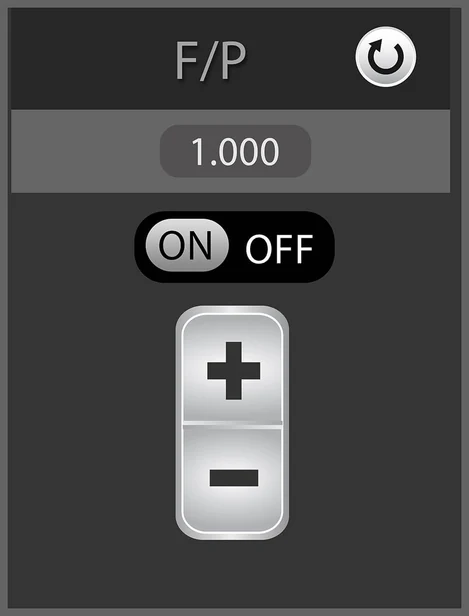
Song Surgeon 6 Standard and Pro include Formant Preservation. It helps retain vocal character during a key change. The result still depends on the recording and the size of the shift, so listen before exporting.
ALSO AVAILABLE ON DESKTOP
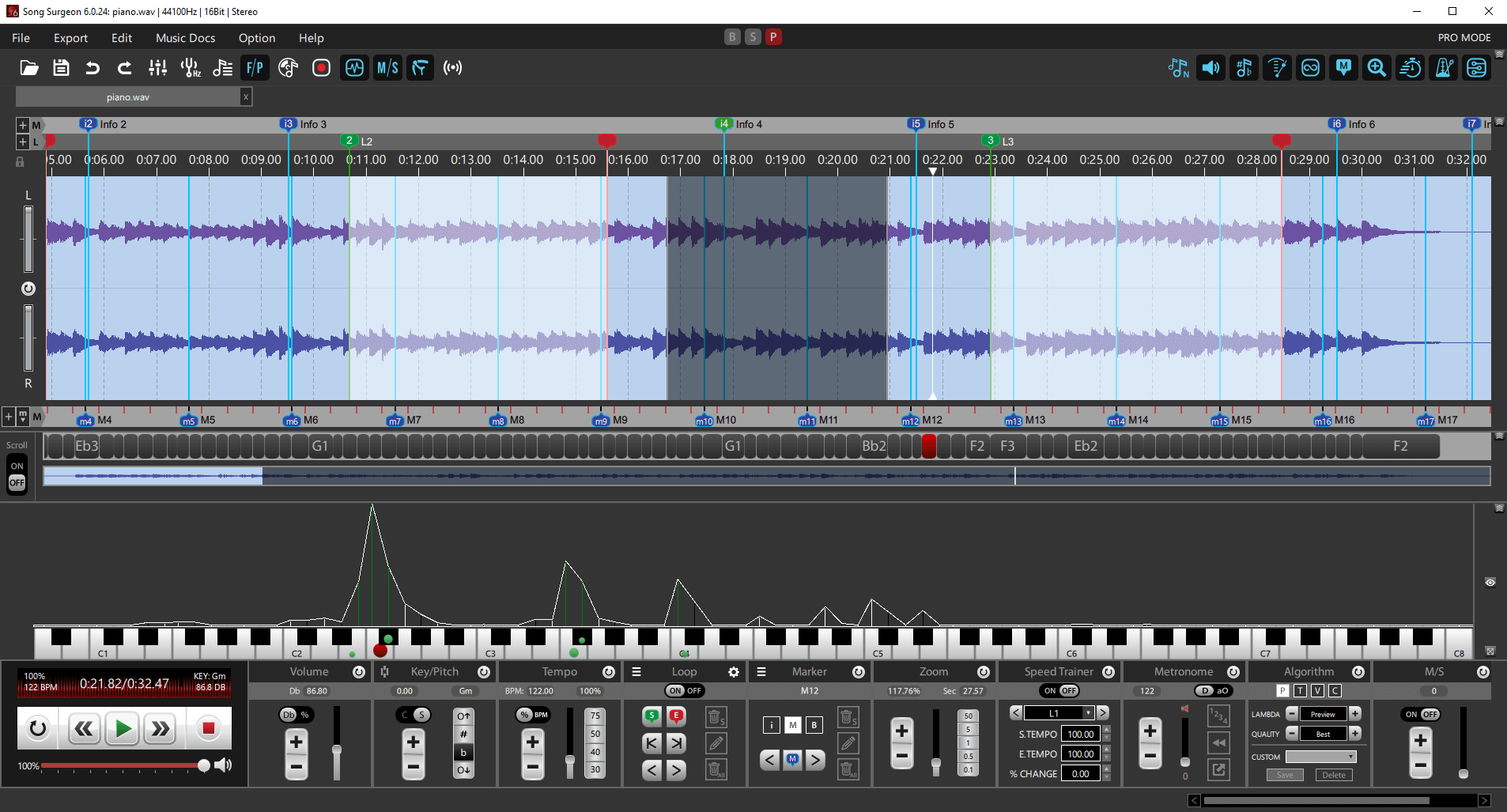
Song Surgeon 6 provides pitch changing on Windows and Mac, with additional tools for regular music practice. Adjust the Key/Pitch module, listen to the result, and export a new audio file.
Basic, Standard, and Pro include key change, tempo change, looping, and export. Standard and Pro also include Formant Preservation and Speed Trainer. Compare Song Surgeon 6 editions to choose the features you need.
The desktop demo provides four hours of use. See the user guide or training videos for help getting started.
QUICK ANSWERS
Yes. Open Song Surgeon’s online pitch changer in your browser, choose a supported audio file, and sign in or create an account when prompted. Set the pitch adjustment, preview it, then process and download the changed recording.
Yes. Adjust Pitch or Key Change and leave Tempo Change at 100%. The notes move higher or lower while the recording keeps its original speed.
Count the half-steps between the original and target keys. C to D is +2 semitones; C to B is −1. Start with a small shift and listen to the full vocal range before choosing your final setting.
Yes. Song Surgeon’s online tool accepts MP3, WAV, M4A, WMA, and FLAC files up to 60 MB. Select your MP3, adjust the pitch, and preview the result before processing.
New accounts include five free file processes. After those are used, paid options are available. This online allowance is separate from the four-hour Song Surgeon 6 desktop demo.
Pitch shifting can move the voice’s resonances along with its notes. Formant Preservation in Song Surgeon 6 Standard and Pro helps retain a more natural vocal tone. Smaller shifts generally need less correction.
No. Pitch changing transposes the recording by an interval. Pitch correction targets individual notes that are out of tune. The online tool shifts the pitch of the recording as a whole.
No. A pitch shift applied to a complete mix transposes the vocals and pitched instruments together. To process only one part, start with a separate track or explore vocal and instrument isolation.
Yes. Download the free desktop demo to test the program with your own recordings. The demo provides four hours of use. When you are ready, buy Song Surgeon 6 in the edition that fits your needs.
TRY IT WITH YOUR RECORDING
Choose a file, find a comfortable key, and preview the result.